Blog|Technology
WordPress as Headless CMS
WordPress is an open source CMS (Content Management System) that allows you to easily create and manage a website or blog. It offers a user-friendly interface for writing, editing, and publishing content such as text, images, and videos. Our WordPress CMS is also equipped with numerous plugins, integrations, and other extensions that allow you to add and customize the appearance and functionalities of the website to your needs.

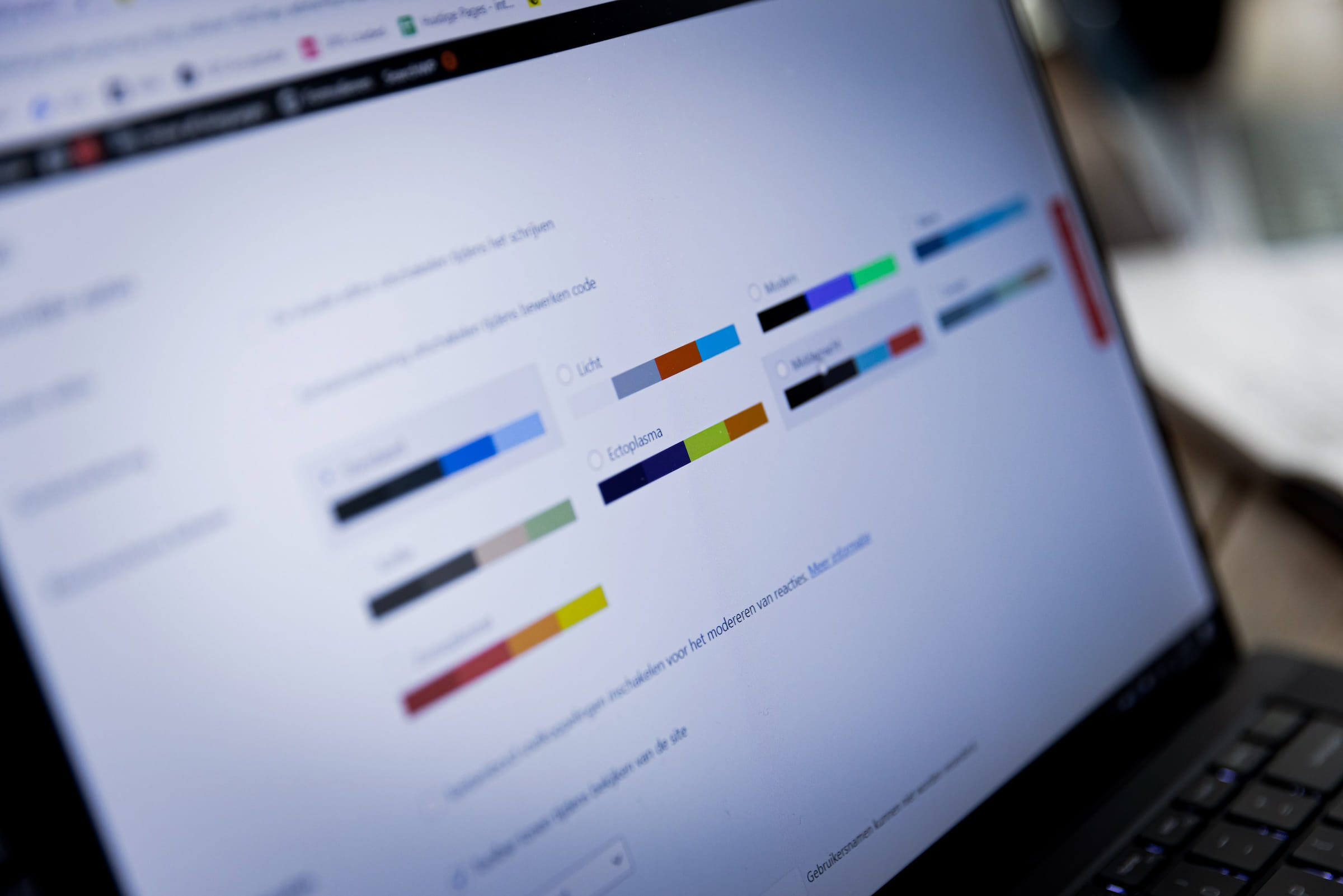
What is WordPress?
First, the basics: what exactly is WordPress? WordPress is an open source Content Management System (CMS) that allows you to easily set up and manage a website or blog. It was developed in 2003 and has since gained popularity as one of the most widely used CMS systems on the internet.
With a WordPress website from Get Interactive, you can easily add and manage texts, images, videos, and other media on your website. We also offer a large number of built-in functionalities and the ability to add extra features to your website using plugins we've developed. We have experience in developing and designing unique WordPress websites. Because we believe every website should be unique, you can only achieve that by developing your own identity. This is decisive for the professionalism and appearance of your website. We also ensure that you can easily adjust everything within the CMS without having to code.
WordPress is easy to learn and use, even for people without much technical skills. It has an intuitive management system and a rich supply of resources, including forums, blogs, and documentation.
What is a Headless CMS?
A headless CMS (Content Management System) is a type of CMS where content management is separated from its presentation. Unlike traditional CMSs, which present content through a pre-formatted theme or layout, a headless CMS makes content available through an API (Application Programming Interface) that can be used by any type of front-end platform or application.
This means that with a headless CMS, you can manage and store content in a central environment while having the presentation depend on the specific needs of your project. For example, you can manage the content of a website with a headless CMS while customizing the layout and appearance of the website using a separate front-end framework like React or Angular.
Headless CMSs have become popular due to the flexibility they offer. Because the content is separated from its presentation, you can use and reuse it in different ways, such as in mobile apps, chatbots, or voice assistants. For example, if you have a website and a mobile app that need to present the same content, you can manage this content with a headless CMS and customize its presentation to the specific needs of each platform.
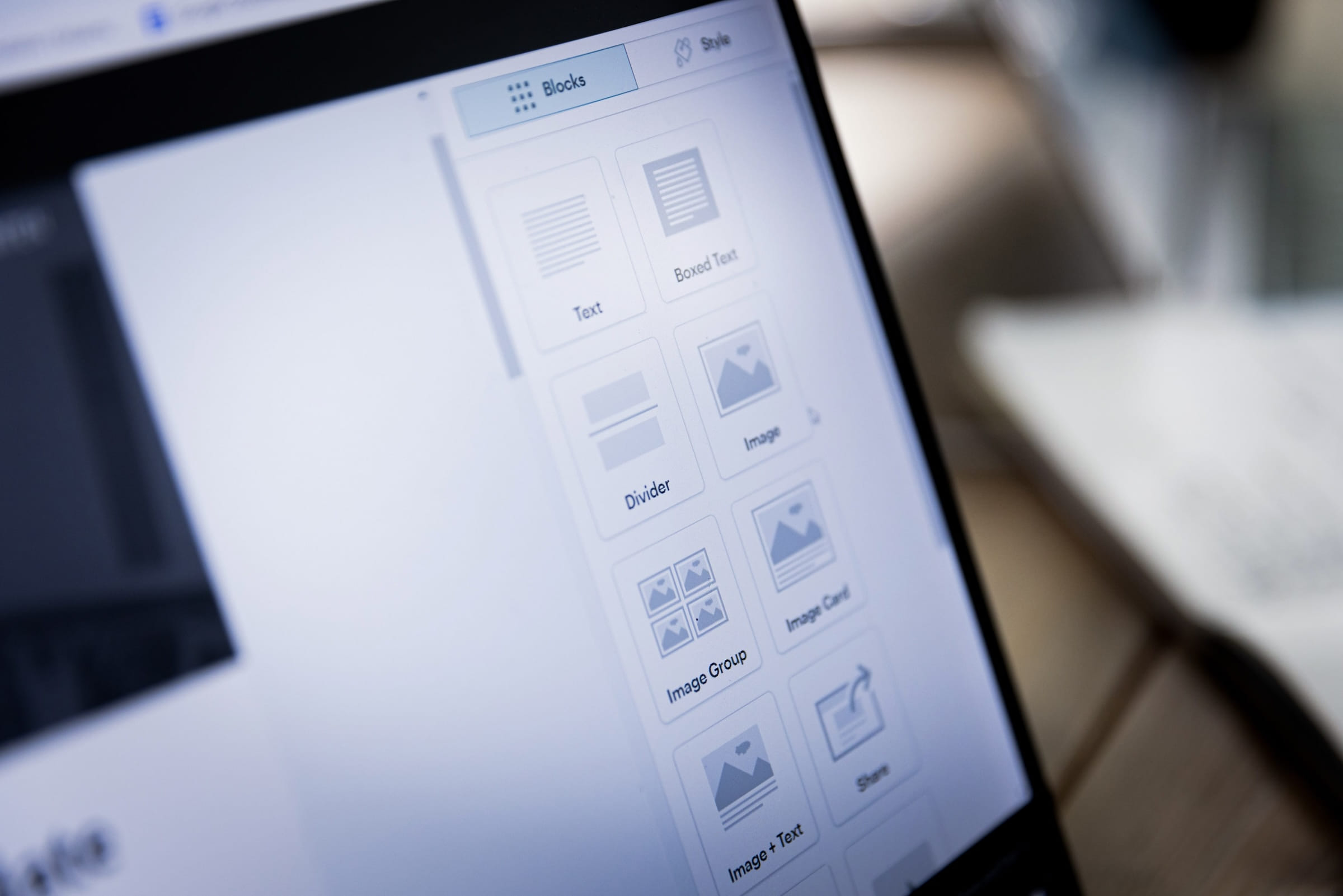
What is the Difference Between WordPress and a Headless CMS?
WordPress and headless CMSs are both useful for managing content, but they're oriented in different ways. WordPress is a fully integrated CMS (Content Management System) where content management and its presentation come together in one platform. This makes it easy to quickly set up a website or blog, but it offers less flexibility when it comes to using the content on other platforms.
A headless CMS, on the other hand, offers more flexibility because the content is separated from its presentation, but it requires more work to integrate the content with a front-end platform.
What Are the Advantages
WordPress is a popular "Content Management System" (CMS) used to set up and manage websites and blogs. A headless CMS is a CMS that only manages the back-end functions of a website without providing a front-end layout or design. Here are some advantages of WordPress compared to a headless CMS:
- Easy to use: WordPress is easy to learn and use, even for people without technical skills. It offers an intuitive management system and a rich supply of plugins and themes to help you set up and manage your website.
- Feature-rich: WordPress offers a large number of built-in features and plugins to meet the needs of different types of websites. This includes support for blogs, e-commerce, forms, SEO, and more.
- Wide range of support and resources: WordPress has a large and active user community, which allows us to easily and quickly provide help and support in setting up and managing your website. There are numerous blogs, forums, and other resources available that can help solve issues and improve your website.
- Scalable: WordPress is simple to use, without too much fuss. If you want more functionalities than just the basics, there are costs associated with using some plugins, but these are often still cheaper than setting up a website with a headless CMS.
However, a headless CMS can also have its advantages, depending on the needs of a specific website. For example, it can offer more flexibility when it comes to integrating the CMS with other systems and designing the front-end of a website. It's important to consider what best suits your goals and needs before making a decision.
WordPress as Headless CMS
You can indeed also use WordPress as a headless CMS (Content Management System). This means you use WordPress to manage and store content, but you use a different platform or application to present the content.
To use WordPress as a headless CMS, you need to ensure the WordPress REST API is enabled. The REST API is a standard way to access WordPress content via an API connection (Application Programming Interface). You can then use the REST API to retrieve WordPress website content and use it in any type of front-end platform or application.
Once enabled, you can manage WordPress content through the WordPress admin environment, as usual. You can then use the REST API to retrieve the content and integrate it with another front-end platform, such as a mobile app or a static website. This provides the flexibility to use and present the content in different ways.
Keep in mind that WordPress as a headless CMS may require more work than using a traditional, integrated CMS. This is because you need to integrate the content with another platform or application, rather than having it integrated into a pre-developed design or layout.
If you're considering using WordPress as a headless CMS, please contact us. We specialize in custom work and building API integrations.
We'd be happy to help you with the next step!
Schedule a free call with Pim right away!
Want to know more about cases in your sector? Contact Pim, he'll be happy to tell you more and see what we can do for you.